Your Copier Kept a Copy of Every Tax Return. Who Wipes It When the Lease Ends?
Federal rules call a tax practice a "financial institution." Here's what that means for the copier hard drive you hand back when the lease ends, the penalty math nobody puts in a proposal, and a six-step return checklist.
Key takeaways
- The FTC's Safeguards Rule lists accountants and tax preparers as "financial institutions." It requires encrypting customer information at rest, disposal procedures within two years of last use, and contracts that bind service providers to protect the data.[1]
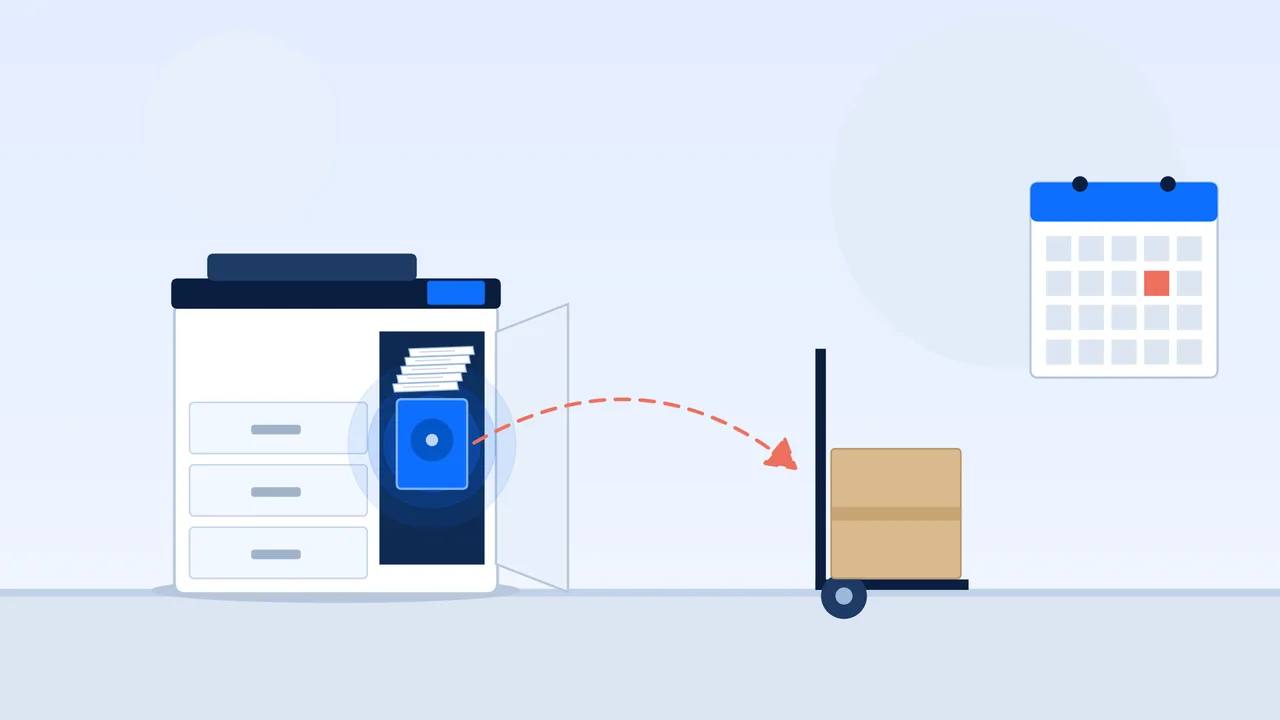
- A copier's hard drive stores data about what it copies, prints, scans, faxes or emails. Deleting or reformatting doesn't remove it, and the FTC says the lease contract should cover who keeps or overwrites the drive.[5]
- A 60-month lease runs 2.5 times the rule's two-year disposal clock. If nothing overwrites the drive, a first-season scan can still be on it the day the copier leaves.[1][16]
- Before the copier goes back, get the drive overwritten or retained, and get a certificate of sanitization that lists the serial number.[9]
The checkbox you probably just ticked
PTIN renewals for 2027 are open.[3] On the paper version, Form W-12, line 11 asks you to check yes or no next to this sentence: "I am aware that paid tax return preparers are required by law to create and maintain a written information security plan that provides data and system security protections for all taxpayer information."[2] As of September 1, 2026, 886,338 people held a current PTIN, 209,076 of them CPAs.[4]
That plan is the WISP, and the requirement behind it comes from the FTC's Safeguards Rule. The rule names "an accountant or other tax preparation service that is in the business of completing income tax returns" as a financial institution.[1] In July, the IRS Office of Professional Responsibility tied the WISP to Circular 230 duties and listed, among the basics, "wiping (or destroying) old hard drives, fax machines, printers, and other office equipment."[8]
Our opinion: a WISP that covers the laptops and forgets the copier has a copier-sized hole in it.
Your copier is a computer that lives by the break room
A WISP that covers the laptops and forgets the copier has a copier-sized hole in it.
Printree, on tax-firm data security plans
The FTC's copier guide doesn't sugarcoat it: the drive "stores data about the documents it copies, prints, scans, faxes or emails," and that data can be stolen remotely or pulled off the drive once it's removed.[5]
Now picture what your machine sees from January to April: W-2s, 1099s, driver's licenses, voided checks for direct deposit.
The IRS agrees. Publication 4557 tells tax pros to "wipe clean or destroy old computer hard drives and printers that contain sensitive data."[6] Publication 5708, the IRS's WISP template, says to catalog every device that touches taxpayer data, printers included, and to get a signed acknowledgment from vendors "such as your IT Pro, cleaning service, or copier servicing company."[7]
Your copier tech made it into the IRS's sample WISP. Did they make it into yours?
Then the lease ends
"Digital copiers often are leased, returned, and then leased again or sold," the FTC notes.[5] Your drive doesn't retire when your lease does. In a federal health-privacy case, a health plan agreed to pay $1,215,780 after it returned multiple photocopiers to a leasing agent without erasing the hard drives, exposing the health information of up to 344,579 people.[10] Different rulebook, same machine.
"Reset" is not the same as "wiped"
Deleting isn't overwriting. The FTC says deleting data or reformatting the drive "doesn't actually alter or remove the data." It can still be recovered with utility software.[5]
Overwriting isn't always the answer either. The federal media-sanitization standard, revised in September 2025, warns that people who kept relying on overwrite techniques as storage moved to flash memory "can be exposing their data to increased risk." It also notes that some office equipment only offers a factory reset, which may just delete file pointers. That counts as "clear," the lowest of its three tiers (clear, purge, destroy).[9] Ask which sanitize option your copier supports.
Pulling the drive yourself can backfire. Copier drives often carry firmware the machine needs, so removing one can leave a leased copier inoperable. The FTC says to use skilled technicians.[5]
The same federal standard says purge or clear may beat destroy when you factor in "contractual obligations (e.g., lease returns)."[9] Translation: the lease is a reason to wipe properly, not an excuse to skip it.
The two-year clock vs. the five-year lease
The Safeguards Rule requires procedures to dispose of customer information "no later than two years after the last date the information is used" for that customer, with exceptions for legitimate business needs and legal retention.[1] A copier cache isn't a records-retention system. It's leftovers.

On Printree's published terms,[16] a first-season scan on a never-overwritten drive could sit there 60 months on a 60-month lease, 2.5 times the two-year benchmark, or about 2.6 times on 63 months. The FTC's fix is boring and effective: use the security features, and "securely overwrite the entire hard drive at least once a month."[5]
Small shop? The rule excuses firms holding information on fewer than 5,000 consumers from a few pieces, like the written risk assessment and the incident response plan. Encryption, disposal and service-provider oversight aren't on that list.[1]
What a forgotten drive could cost, on paper
We haven't seen this math in a copier proposal, so we ran it on a hypothetical drive holding records for 1,000 clients.

- Federal. The tax code's civil penalty for a preparer who discloses return information is $250 per disclosure, capped at $10,000 per calendar year. If the disclosure is tied to identity theft, it's $1,000 each, capped at $50,000.[11] Whether a returned drive is a "disclosure" depends on the facts.
- Massachusetts. Electronic media with personal information must be destroyed or erased so it "cannot practicably be read or reconstructed." The fine runs up to $100 per person affected, capped at $50,000 per instance.[12] 1,000 × $100 is $100,000, so the cap kicks in at $50,000.
- New York. Up to $5,000, and acts from the same incident count as one violation. The law's definition of a record includes "computer tapes or discs," and data that's properly encrypted falls outside it.[13]
- Texas is the twist. Its disposal law allows up to $500 per business record, but it doesn't apply to financial institutions as federal law defines them.[14] The FTC puts tax preparers in that category,[1] so for Texas tax firms the federal rule may be the one that counts. Ask your attorney.
Then there's reporting. Under the Safeguards Rule, if unencrypted information about 500 or more consumers is acquired without authorization, you have to notify the FTC within 30 days of discovery. Encrypted data doesn't count unless the key was exposed too.[1] That's the best argument we know for turning encryption on today.
For scale: a Printree lease at $209–$349 a month is $12,540–$20,940 over a 60-month term ($209 × 60 and $349 × 60).[16] The Massachusetts ceiling alone is 2.4 to 4 times the whole lease. Run your own term in the copier lease calculator.
Six things to do before your copier goes back
- Put the copier in your WISP. Publication 5708 says to list every device that touches taxpayer data.[7]
- Turn on encryption and scheduled overwrite now. The FTC says these features come standard or as add-on kits.[5] Encryption also changes whether a lost drive triggers the 30-day FTC notice.[1]
- Find the drive clause in your lease. The FTC says the contract should state that you keep the drives at end of life, or that the provider will overwrite them. Those services typically cost extra, but you may be able to negotiate when you're signing a new lease.[5] The lease is still non-cancelable,[15] so the drive won't get you out early. It's one more line to settle before the end date.
- Get your copier tech's signature. Publication 5708's sample acknowledgment names the copier servicing company,[7] and the Safeguards Rule wants service providers bound by contract.[1]
- Demand a certificate of sanitization. The federal standard's sample form records the make, model, serial number, method, tools and verification.[9] If it doesn't list a serial number, it's a receipt, not a certificate.
- Don't do it in April. If your lease ends in filing season, start the drive conversation now. Nobody does careful data work during the crunch.
How we handle it: our FAQ says encryption and automatic overwrite can be turned on when the copier is set up, and end-of-life drive wiping or drive retention is arranged at term end for regulated environments.[15] Get that in writing with any provider, including us. Our accounting firm copier leasing page covers the rest of the tax-season setup, and if you want out early, here's how to get out of a copier lease.
Sources
- Standards for Safeguarding Customer Information (FTC Safeguards Rule), 16 CFR Part 314
- IRS Form W-12, IRS Paid Preparer Tax Identification Number (PTIN) Application and Renewal (Rev. October 2026)
- IRS, PTIN requirements for tax return preparers
- IRS, Tax Professional Management Office federal tax return preparer statistics (data current as of September 1, 2026)
- Federal Trade Commission, Digital Copier Data Security: A Guide for Businesses
- IRS Publication 4557, Safeguarding Taxpayer Data (Rev. 5-2024)
- IRS Publication 5708, Creating a Written Information Security Plan for your Tax & Accounting Practice (Rev. 8-2024)
- IRS Office of Professional Responsibility, Issue Number 2026-22: Practitioners Should Have a Written Information Security Plan (July 22, 2026)
- NIST SP 800-88 Rev. 2, Guidelines for Media Sanitization (September 2025)
- U.S. Department of Health and Human Services, HHS Settles with Health Plan in Photocopier Breach Case
- 26 U.S.C. 6713, Disclosure or use of information by preparers of returns
- Massachusetts General Laws, Chapter 93I, Section 2: Standards for disposal of records containing personal information
- New York General Business Law, Section 399-H: Disposal of records containing personal identifying information
- Texas Business and Commerce Code, Section 72.004: Disposal of business records containing personal identifying information
- Copier Leasing FAQ
- Introducing the Printree Marketplace
Frequently asked questions
Do tax preparers have to wipe the hard drive on a leased copier?
The FTC's Safeguards Rule treats tax preparers as financial institutions and requires encryption of customer information at rest and secure disposal procedures. IRS Publication 4557 tells tax pros to wipe clean or destroy old drives and printers that hold sensitive data.
Is a factory reset enough before I return a copier?
Not by itself. The FTC says deleting or reformatting leaves data recoverable. Ask for an overwrite or sanitize command and a certificate that lists the serial number.
Can I keep the hard drive when I return a leased copier?
Often, if your contract allows it. The FTC says the lease should state that you keep the drives or that the provider overwrites them. Don't pull it yourself, because the drive can hold firmware the machine needs.
Does the Safeguards Rule apply to a small tax practice?
Yes. Firms with information on fewer than 5,000 consumers skip a few requirements, such as the written risk assessment and incident response plan, but not encryption, disposal or service-provider oversight.
Do I have to report a copier drive that left with client data?
Under the Safeguards Rule, if unencrypted information about 500 or more consumers was acquired without authorization, you must notify the FTC within 30 days of discovery. State laws add their own rules.
Keep reading
More copier industry news
Library PC Use Fell 55%. Why Is the Copier Lease Still Sized for 2019?
Library public-computer use fell 55% from FY2019 to FY2024. Here's how to re-size the copier lease, price printing, and get the public-sector clauses right.

Selling Your Dental Practice? The Copier Lease Comes to Closing Too
Selling a dental practice? The copier lease doesn't end at closing, and its hard drive holds patient data. The math and the checklist.
The $126 Million Toner Call: Why Scammers Love Your Copier
One toner scheme took $126M from 50,000+ offices, many with toner already in their copier contracts. The script, the law on the bill, and the fix.